Images
We have a shortcode for images, namely img. It takes a few arguments/parameteres (see also the Zola docs):
path: which image to include; does not support relative pathsop: the resize operation. If unclear, set tofit_width, makewidthas wide as desired, and setheightto something larger. Options are listed on the docs linked above.width: the width of the image, in pixelsheight: the height of the image, in pixelscaption: the caption text of the image. This is placed directly inalttext, too.
Generally speaking, I like to use static/img for my own images. Zola/Tera (the templating engine used) then puts its processed images in static/processed_images.
On this page, to demonstrate how images work, we use an image of a duck taken from Wikipedia. For all of these (identical) duck images, note the picture was realized by Richard Bartz by using a Canon EF 70-300mm f/4-5.6 IS USM Lens - Own work, CC BY-SA 2.5, https://commons.wikimedia.org/w/index.php?curid=6449086.
very large duck
The duck below is set to scale to a very large size.
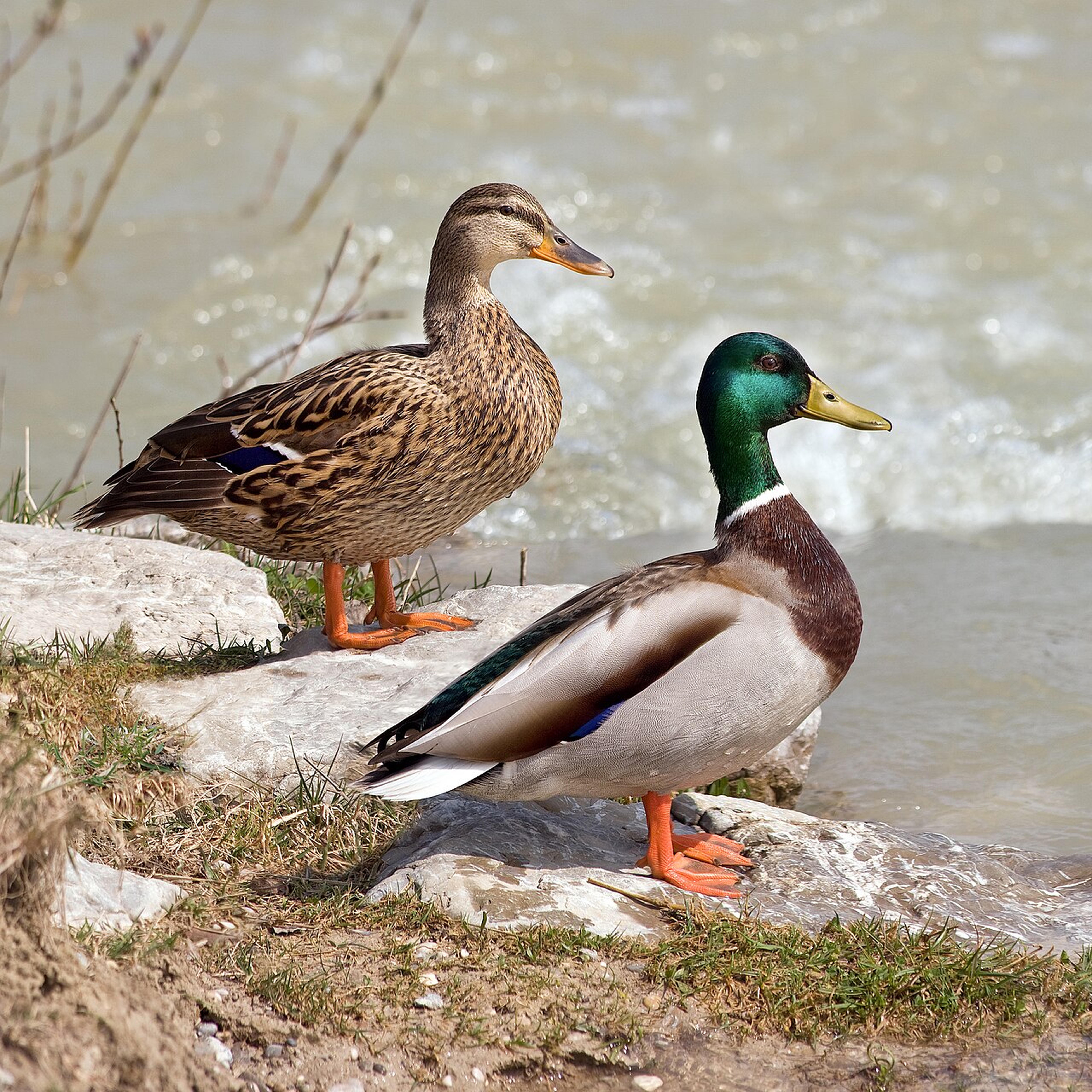
op="scale"
When using scale, it's your responsibility to not mess with the aspect ratio.

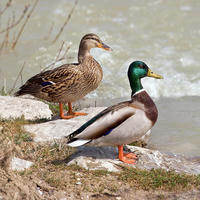

op="fit_width"
When using fit_width, the image will take as much of the width it can, without messing with the aspect ratio.

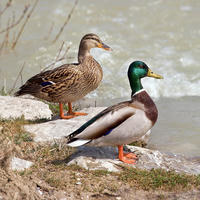
op="fit_height"
When using fit_height, the image will take as much of the height it can, without messing with the aspect ratio.
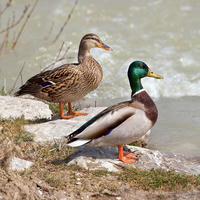

op="fit"
When using fit, the image will be fit to the smaller of the two dimensions, i.e. $\min(\text{width}, \text{height})$.

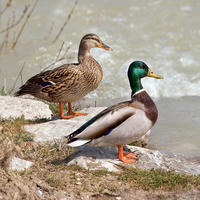

op="fill"
When using fill, it's your responsibility to have a large enough area to fill.